
Summary
- The “Hey Copilot” command allows you to control Windows 11 by voice, perform actions and ask questions with AI support.
- Copilot Vision analyzes the screen and provides contextual assistance, while Copilot Actions automates tasks with natural language.
- The update also brings improvements to the Start menu and integration with services such as Google Drive, Gmail, OneDrive and Zoom.
Microsoft today announced an update to Windows 11 that allows voice control with the support of artificial intelligence. Yes, you will be able to talk to your device to perform certain activities. Additionally, Microsoft decided to place AI directly in the operating system’s Start menu.
Hey Copilot
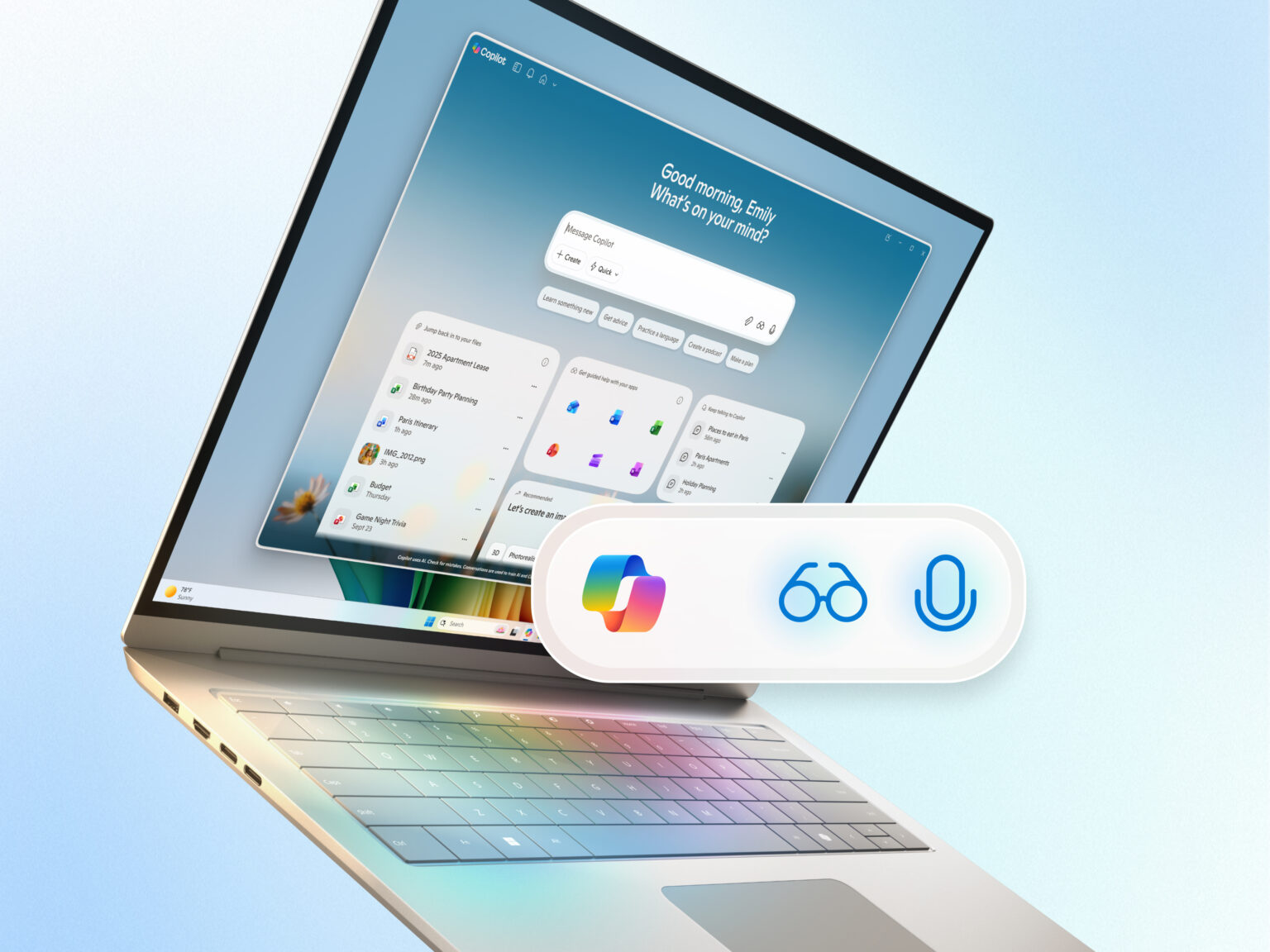
The Copilot Voice feature will be activated with the command “Hey Copilot” and will be available on all Windows 11 and Copilot devices. The company explained to the Technoblog that there is no need for additional hardware. The functionality allows users to ask questions and request actions using natural language, with the assistant responding via voice or text.
Both it and Copilot Vision form the basis of the new AI experience on Windows. Internal data shows that 68% of users who use voice commands interact twice as much with Copilot as those who only use text.
Both are optional. In the case of Copilot Vision, the AI assistant analyzes the contents of the computer screen and provides guided support. It is able to learn from new applications, get recommendations for projects, or receive step-by-step instructions.
According to Microsoft, Copilot Vision only considers what is visible to the user. The exception is Word, Excel and PowerPoint, in which all open documents are read by Vision.
The company is testing a trial version of Copilot Actions for local files on Windows, which will allow the assistant to perform tasks like organizing vacation photos or extracting information from PDFs. The feature works as a general-purpose agent that receives instructions in natural language and attempts to complete them by interacting with desktop and web applications. During execution, the user can track the progress or take control of the task. Initially, this function will be released to members of Windows Insiders, the company’s beta program.
The company has redesigned the Windows taskbar with the “Ask Copilot” function, which offers quick access to Copilot Vision and Voice. It is next to the Windows button, in the old Start menu. The new search tool promises faster results for finding applications, files and settings, with results instantly updating as you type.
Microsoft clarified that search uses existing Windows APIs and does not grant Copilot access to user content.
External services
Copilot also gained integration with external services through connectors, which allow you to link OneDrive, Outlook, Google Drive, Gmail, Google Calendar and Google Contacts to the assistant. Users can export conversations directly to Word, Excel or PowerPoint and ask for help with Windows settings.
The update also includes integration with File Explorer for tasks such as creating websites with the popular Manus agent and editing videos with the Filmora app. Copilot+ PC line computers will have integration with Zoom through Click to Do, developed in partnership with the company, allowing you to schedule meetings by hovering the cursor over email addresses visible on the screen.
Microsoft said it will release details about integrations with other third-party applications at a later date.
Source: https://tecnoblog.net/noticias/ia-do-windows-passa-a-te-ouvir-e-ver-sua-tela-para-auxiliar-nas-tarefas/