
Summary
- Microsoft released update KB5070773 to fix Windows 11 recovery mode bug caused by October Patch Tuesday;
- Bug prevented USB keyboards and mice from working in the Windows Recovery Environment (WinRE);
- Update is valid for Windows 11 in versions 25H2 and 24H2, and Windows Server 2025.
Last week, Microsoft released an update package for Windows 11 that fixes flaws, but also caused a bug that prevents USB keyboards and mice from working in operating system recovery mode. Fortunately, a fix for the problem has just been released.
The flaw in question was caused by October’s Patch Tuesday for Windows 11. It’s worth remembering that Patch Tuesday is a set of security updates that Microsoft releases on the second Tuesday of each month.
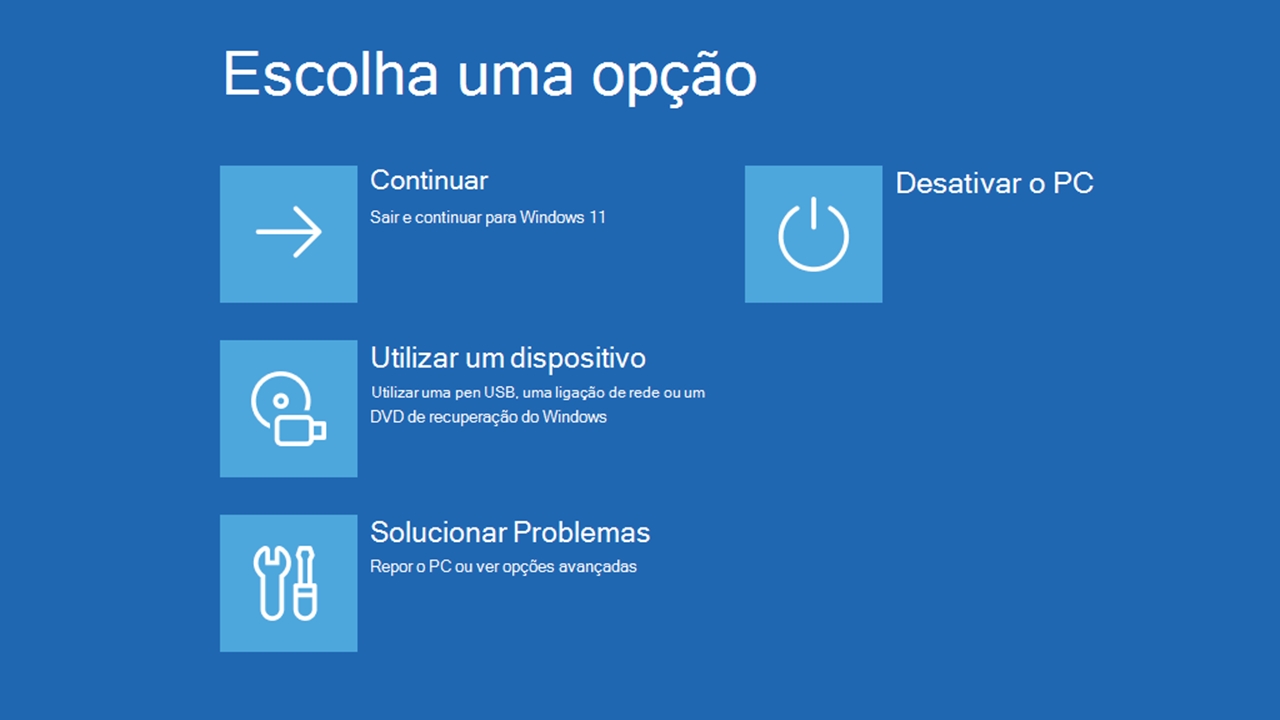
The most recent set was released on the 14th to fix more than 170 flaws. But, shortly after, Microsoft itself acknowledged that the update caused a bug that prevents the recognition of USB devices, such as keyboards and mice, in the Windows Recovery Environment (WinRE).
Although it does not affect the functioning of Windows 11 under normal conditions of use, the problem caused some concern because WinRE allows you to diagnose and resolve errors that prevent the operating system from booting correctly. WinRE is an emergency resource, therefore.

How to install the fix for the crash in WinRE?
The good news is that Microsoft didn’t take long to solve the problem. Update KB5070773, which corrects the flaw, is now being released publicly.
Initially, the package may appear on your computer as an optional update. But, at the Windows Latestthe company informed that the package will be mandatory at some point, that is, it will be automatically installed by Windows Update.
The update is valid for Windows 11 in versions 25H2 and 24H2. Windows Server 2025 was also affected, which is why the fix is also valid for that operating system.
In all cases, anyone who wants to install the update manually can download the KB5070773 package here.
On the page, choose the link corresponding to your operating system version. Enter the command winver in the Taskbar or Start Menu search field if you don’t know which version of Windows is installed on your computer.
Source: https://tecnoblog.net/noticias/windows-11-microsoft-lanca-correcao-para-bug-no-modo-de-recuperacao/